
Regain Access to Your Fun: A Quick Guide to Resetting Your DYNASTY888 Password
Leave Comment/by D/Aug 31, 2024
Step 1: Visit the Login Interface
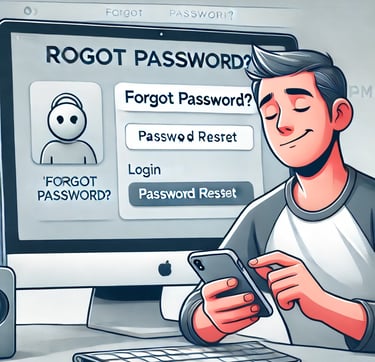
Head over to the DYNASTY888 homepage and find the 'Login' button. Right beneath where you'd typically enter your credentials, there's a lifesaver: the “Forgot Password?” link. Give that a click to set the wheels in motion for your password reset.
Step 2: Provide Your Email
On the ensuing password reset page, you'll be prompted to enter the email address linked to your DYNASTY888 account. It's crucial to use the email address you registered with to ensure you receive the necessary reset instructions.
Step 3: Receive the Reset Email
After you submit your email, keep an eye on your inbox for a prompt response from DYNASTY888. This email is key as it contains the password reset link. If it's not in your inbox, don't forget to check other folders like spam or junk, as emails sometimes find their way there.
Step 4: Choose a New Password
Clicking the link in the email will direct you to a new page where you can create a new password. When crafting your new password, aim for complexity: mix upper and lower case letters, numbers, and symbols to fortify your account security.
Step 5: Confirm and Activate
You'll need to confirm your new password by entering it twice. This double-check ensures you've typed what you intended without any typos.
Step 6: Success!
With your new password confirmed, you'll get a success message from DYNASTY888. Now, return to the login page, enter your credentials with the newly set password, and hit “Log In” to jump back into action.
Having Trouble?
If any part of this process gives you trouble:
Double-check the email address you entered for typos.
If you haven't received the reset email after a reasonable time, reach out to DYNASTY888’s support team for help.
Practice good password habits by updating your credentials periodically and using a password manager to keep track of them.
Wrap-Up
That’s it! Resetting your password at DYNASTY888 is as simple as following these steps. Secure and regain access to your gaming haven where more thrilling experiences await. Let the games resume!
Get in touch
Let's Talk
info@dynasty888.org.ph